 Project N.E.K.O.
PROJECT N.E.K.O. / YANGYU
Set up a Live2D desktop pet
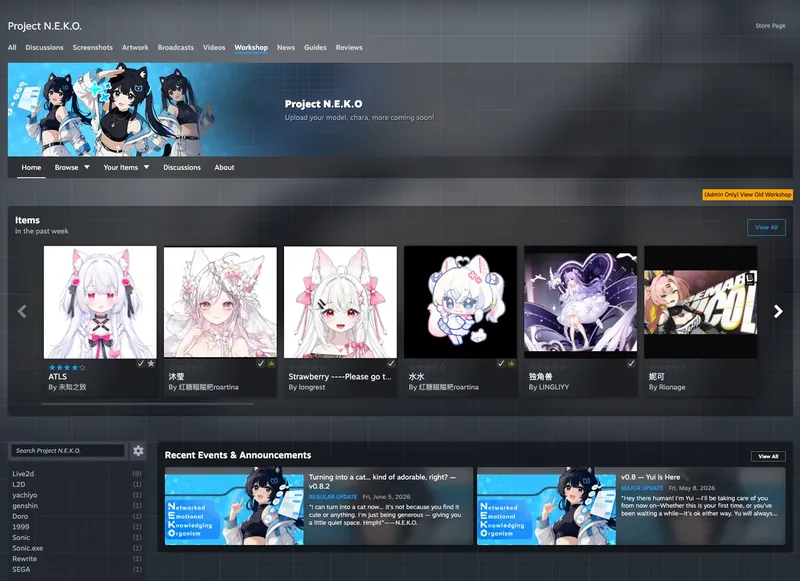
Subscribe to the Live2D model listed as 大肥鱼 in the Project N.E.K.O. Steam Workshop. Then select it under Chara Appearance in Character Manager. Fans also call the character DeepSeek-chan.
View on Steam WorkshopSubscribe to the model and set your avatar
- Install and launch Project N.E.K.O. through Steam.
- Open the Workshop item titled 大肥鱼, sign in to Steam and click Subscribe. Wait for the model to download.
- In N.E.K.O., open Character Manager, go to Chara Appearance, and select the item titled 大肥鱼. If it doesn’t appear in the list, open
steamapps/workshop/content/4099310/3836680858/in the Steam library where N.E.K.O. is installed. Import the model manually in Chara Appearance, then select it as your avatar.
Model and character settings
The model comes with three forms and a text file with character settings. Each card uses one form. You can switch forms in the character’s fixed expression settings.
Content updated: